Beginner Tips: Race Strategy, Tires, and AI
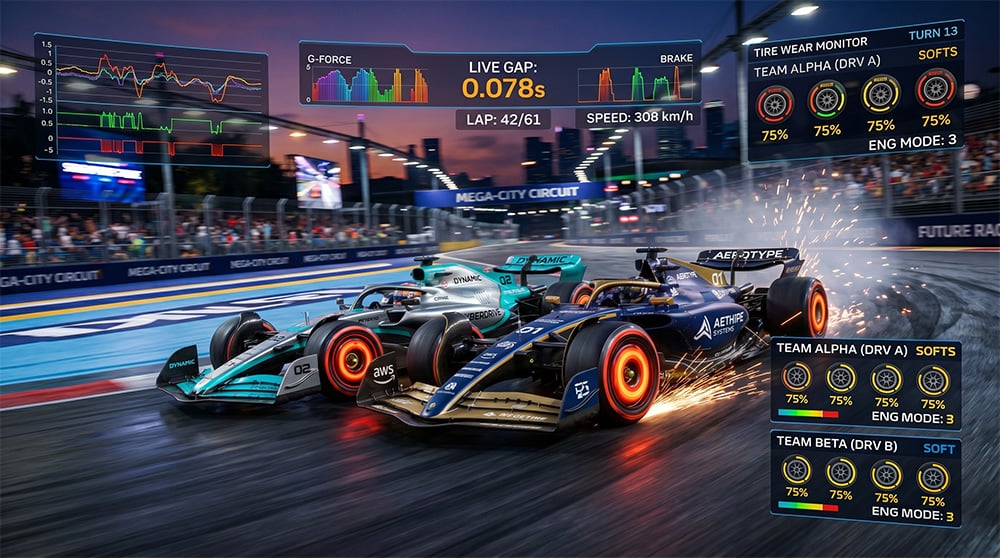
Table of Contents
Where to Start Your Path to the Championship?
Race Manager is first and foremost a strategic management game. You don''t need to turn the wheel here, but your role as the team principal on the pit wall is critical. Victory is forged not in the corners, but in managing the car''s resources in real-time.
Quick Controls and Hotkeys
When there are 22 cars on the track simultaneously, seconds decide everything. Use hotkeys for efficient management in Live mode:
- Tab Key: Instantly switch between your drivers.
- Keys 1, 2, 3: Switch engine modes (1 — Eco, 2 — Balanced, 3 — Powerful).
- Keys W, E: Switch ERS modes (W — Neutral, E — Overtake).
This allows you to react instantly to changing race situations without being distracted by mouse clicks.
Power Management and ERS
Engine modes and the ERS system directly affect speed, but everything comes at a price.
- Powerful Mode (3): Provides maximum speed but (suddenly!) significantly increases engine temperature and accelerates tire wear.
- Eco Mode (1): Ideal for saving fuel and tires when you are in "clean air" or behind an opponent.
Golden Rule: The more power you demand from the car, the more aggressively it "eats" the tires while trying to deliver that torque to the asphalt.
Tire Management Secrets
Tires are the most temperamental and important element of strategy. Here is how their mathematics works in the simulator:
- Linear Phase (0–75%): Pace drops gradually following a cubic curve. Up to the 70-75% mark, you will hardly feel any serious loss of speed.
- The Cliff (75–100%): After crossing the 75% threshold, a "slow puncture" effect kicks in. The pace starts dropping multiple times faster, and the car can lose up to 50% of its performance.
- Puncture Risk (80%+): Starting from 80% wear, there is an increasing chance of a puncture. A puncture does not necessarily mean an immediate DNF, but it forces the car into a slow "limp mode," causing severe time loss (25+ seconds) and requiring an immediate pit stop to change the tires. At 100% wear, a puncture is guaranteed.
Impact of Temperature and Modes
- Push Mode: Accelerates tire wear by 30%.
- Save Mode: Slows down wear by 30%.
- Weather: The ideal temperature for tires is 20°C. Every degree of heat above this mark adds 2% to the wear rate. In cool weather (e.g., +10-15°C), softer compounds (
Soft) last significantly longer.
Using the AI Assistant
The developer added an AI mode so your drivers don''t become "stationary objects" if you get distracted.
- Automatic Mode: AI turns on by itself if you leave the race page.
- Manual Mode: You can enable AI with a button in the UI if you need to step away for a couple of minutes.
Remember: modern AI drives steadily but slightly slower than an experienced player. Use it for backup, but take the wheel yourself for decisive overtakes.
Team Tactics and Collision Risk
Keeping drivers in one group is beneficial — they can "give" each other DRS, maintaining a high pace. However, there is a danger hidden here.
If your drivers have a high Aggression stat, one of them might try to attack their teammate too hard. The result is a broken front wing. Repairing a wing during a pit stop takes between 6 and 8 seconds, which could cost you a podium. Decide for yourself: risk it for speed or space the drivers out across the distance.
💡 Tip: Don''t forget to invest in reliability. The fastest car is useless if it smokes out two laps before the finish!
See you on the starting grid!
Featured
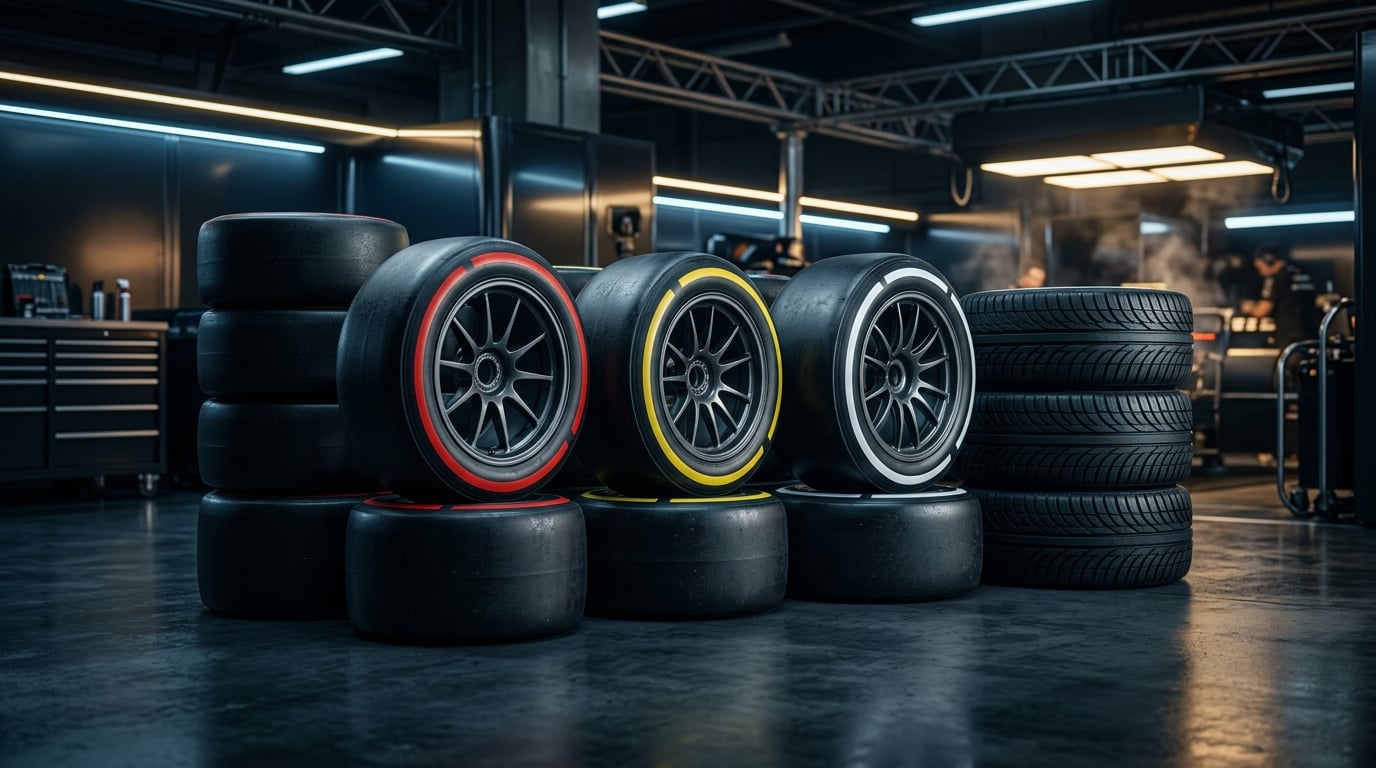
Guide: Tires, Wear & Temperature — The Winning Strategy
Master tire dynamics in Race Manager Online: compounds, thermal windows, the 75% cliff effect, puncture mechanics, and wet weather crossover points.
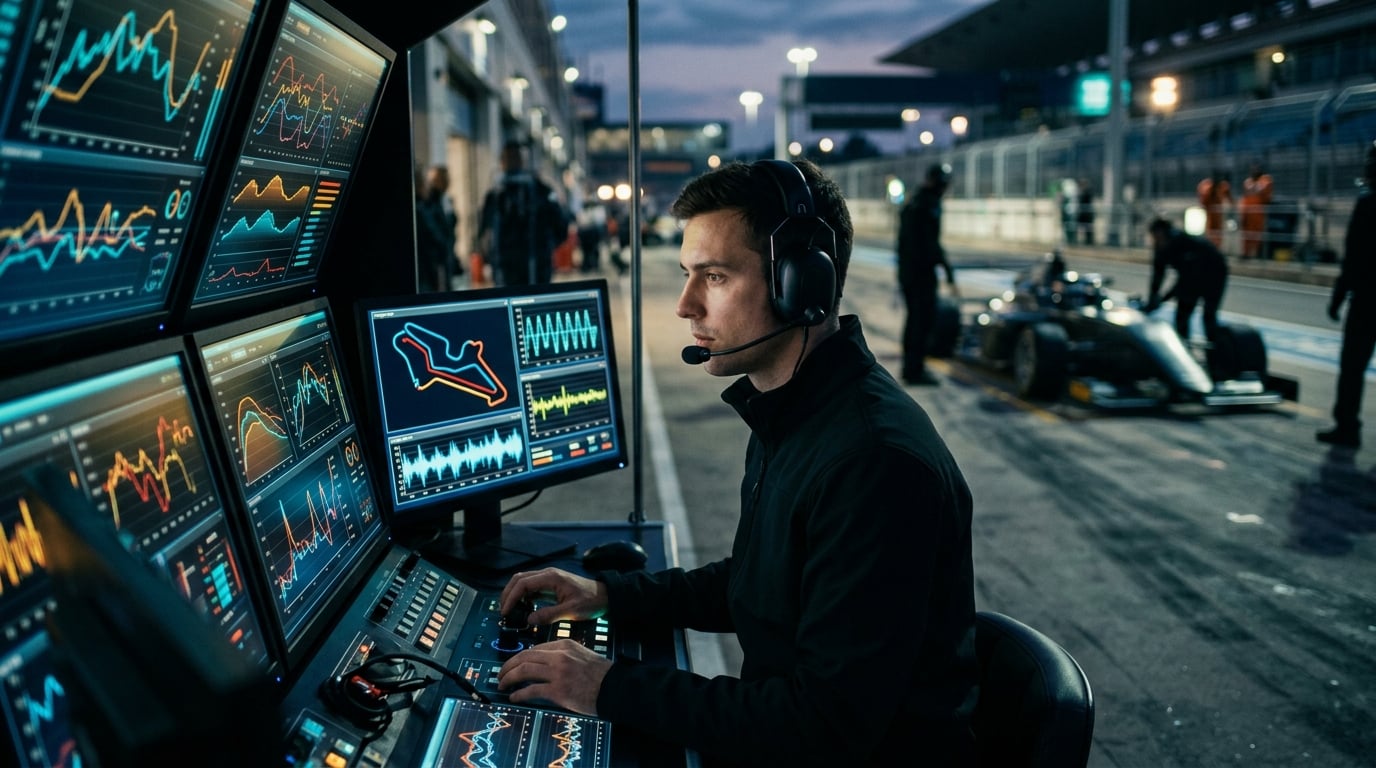
Guide: Race Engineer — Free Practice, Tactics & Synergy
A comprehensive guide to race engineers in Race Manager: baseline setups in free practice, smart telemetry guidance, tactical Plan A & Plan B options, team radio, lean fuel calculations, and building driver synergy.
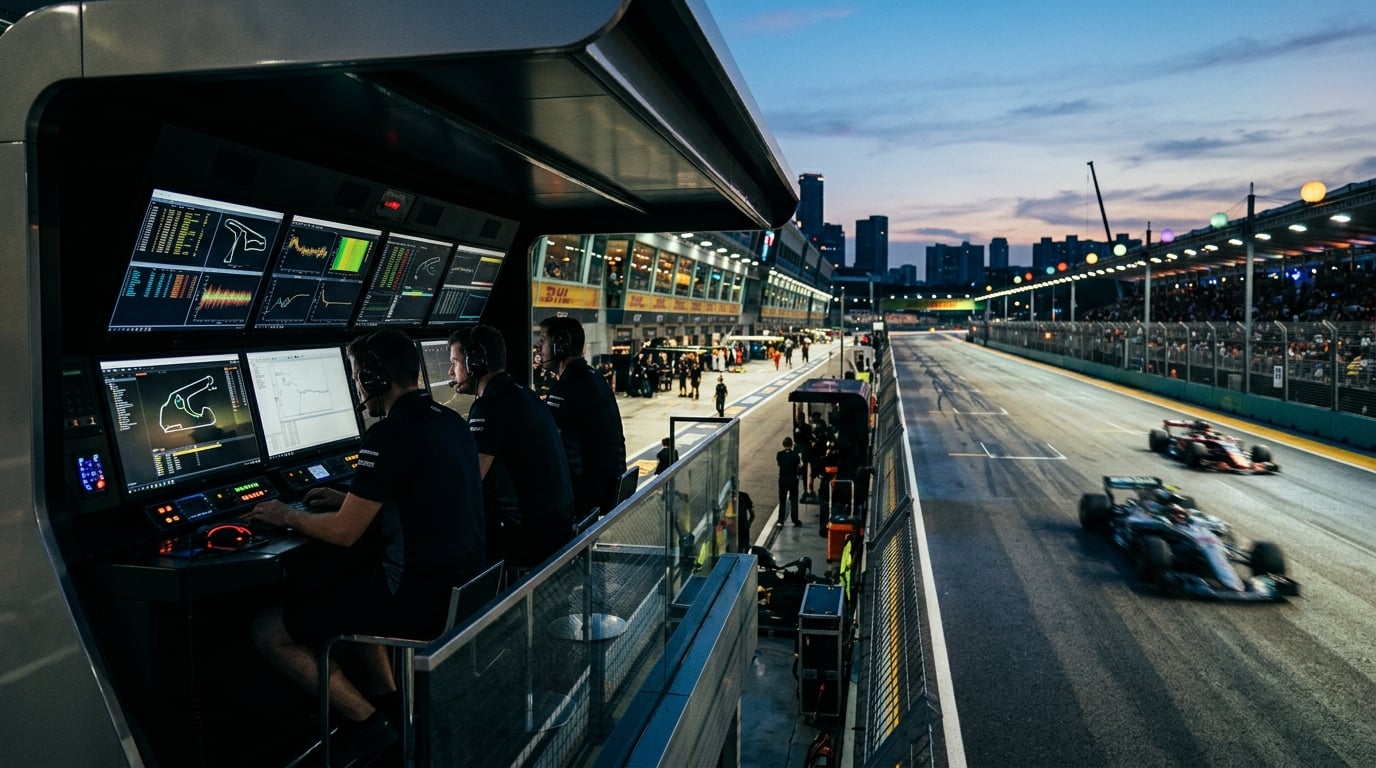
Top F1 & Motorsport Manager Games Online: 2026 Guide
Looking for the best online F1 and motorsport manager games? Discover how browser-based racing strategy games work, what makes real-time pit wall tactics exciting, and how Race Manager delivers an authentic multiplayer Grand Prix experience.